
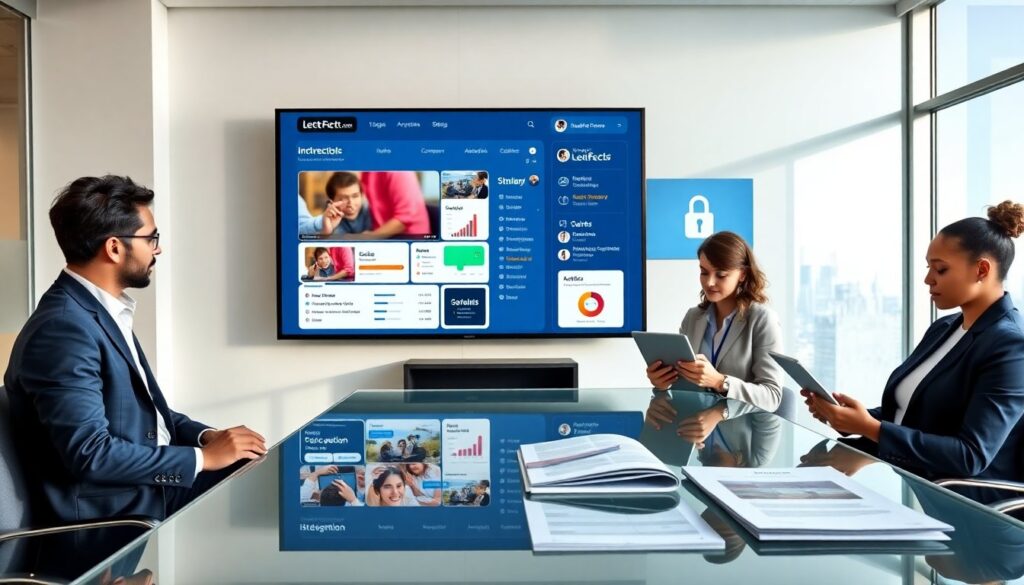
LectFect.com learning technology helps institutions deliver courses online. It mixes video, assessments, and analytics to support learners. The platform serves instructors, administrators, and students. The guide explains features, system design, and practical buying tips. It aims to help decision makers evaluate LectFect.com learning technology clearly and quickly.
Key Takeaways
- LectFect.com learning technology enhances online course delivery by integrating video, assessments, and analytics into a unified platform for instructors and students.
- Its adaptive learning engine personalizes education by recommending lessons and highlighting weak areas based on learner performance.
- The platform prioritizes accessibility with features like captions, adjustable text, and keyboard navigation to support diverse learners.
- LectFect.com employs a cloud-native, microservices architecture ensuring scalable video streaming, secure data handling, and robust analytics reporting.
- Flexible integrations with LMS systems, single sign-on, and third-party tools simplify administrative workflows and extend functionality.
- Institutions should implement LectFect.com through phased pilots, invest in training and support, and carefully evaluate pricing and contract terms to maximize return on investment.
What LectFect.com Offers: Core Features And The Learner Experience
LectFect.com learning technology focuses on course delivery and learner support. The platform hosts live classes, prerecorded lessons, and interactive modules. It provides a unified course page. Instructors upload video, slide decks, and reading files. The system delivers quizzes and graded assignments. It tracks progress and shows completion rates.
The platform offers an adaptive learning engine. It recommends lessons based on prior scores. It highlights weak topics and suggests practice items. Learners see a clear dashboard that shows next steps. The interface uses large buttons, text labels, and consistent layout. These choices reduce cognitive load and speed task completion.
LectFect.com learning technology includes collaboration tools. Students post in discussion forums. Instructors run small-group breakout sessions. The platform supports peer review and group projects. It also connects to third-party tools for labs and simulations.
Accessibility features appear across the product. The video player offers captions and adjustable playback speed. Text resizes and contrast options help readability. The platform supports keyboard navigation and screen readers.
The system collects feedback after every course module. It shows short surveys and automatic sentiment tags. Administrators use that data to improve lessons. Instructors use the feedback to refine pacing and content.
Security and privacy are core features. LectFect.com learning technology encrypts data in transit and at rest. It supports single sign-on and role-based access. The platform logs user activity for audit and compliance.
How LectFect.com’s Technology Works: Platform Architecture, Key Tools, And Integrations
LectFect.com learning technology runs on a cloud-native architecture. It uses microservices to separate video delivery, assessment scoring, and analytics. This design lets teams scale services independently. The platform deploys on major cloud providers and uses CDN caching for global video playback.
The video subsystem uses chunked streaming and adaptive bitrate. It detects network speed and adjusts quality. The player reports playback metrics to the analytics service. The assessment engine grades objective items automatically. It routes essays to human graders when required. The system stores results in a secure database and links them to user profiles.
The analytics module aggregates engagement, completion, and performance metrics. It produces instructor dashboards and administrator reports. The module uses prebuilt visualizations and CSV exports. It also offers realtime alerts for low-engagement cohorts.
LectFect.com learning technology integrates with common tools. It supports LTI and SCORM for LMS compatibility. It connects to single sign-on providers like SAML and OAuth. It syncs with student information systems via API or CSV import. It also links to calendar services and email platforms for notifications.
The platform exposes REST APIs for custom extensions. Developers can add plugins for proctoring, simulation, or content libraries. The plugin model isolates third-party code in containers to reduce risk. The platform also provides a sandbox for testing new modules without affecting production.
Data privacy follows regional rules. The product supports data residency options and role-based exports. It logs consent and stores audit trails. Administrators can run data extraction jobs for institutional reporting.
Choosing LectFect.com: Benefits, Use Cases, Pricing Considerations, And Implementation Tips
Organizations choose LectFect.com learning technology for speed of deployment and breadth of features. The platform shortens time to run online programs. It supports K–12, higher education, and corporate training programs. Universities use it for blended degrees. Companies use it for employee onboarding and compliance training.
The main benefits include centralized content, realtime analytics, and flexible integrations. The platform reduces friction for instructors. It lowers video hosting costs by using CDN and efficient encoding. It also reduces administrative work with automation for enrollment and grading.
Pricing depends on active learners, storage, and premium modules. The base plan covers course hosting, basic analytics, and standard integrations. Add-ons include advanced analytics, proctoring, and custom branding. Institutions should compare per-learner fees and storage caps. They should also estimate peak concurrent users to size infrastructure correctly.
A phased implementation works best. Start with a pilot program for one department or course. The pilot tests content migration, user workflows, and support processes. The vendor should provide migration tools and a sandbox environment. The pilot should run for one full term or a defined timeline of weeks. The team should collect usage data and feedback during the pilot.
Training improves adoption. The vendor should run instructor workshops and provide short help videos. Institutions should appoint a product champion to handle first-line issues. They should document common tasks and keep a short FAQ.
Measure return on investment with clear metrics. Track enrollment growth, course completion, and assessment improvements. Also track time saved on administrative tasks. Use those numbers in budget reviews.
Finally, consider contract flexibility. Look for options to scale seats up or down. Negotiate pilot-to-production terms and data export rights. Confirm exit and data return procedures before signing.